

To view the statistics collected at runtime
-
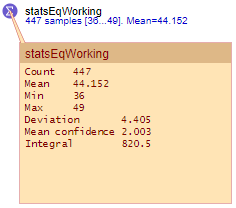
While running the model, click the icon of the statistics element in the model window. The inspection window will open, showing the base statistical data calculated by this element:
-
To copy the statistics to the clipboard, click the Copy icon in the top right corner of the inspection window.
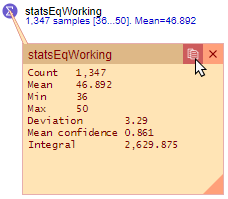
- The data will be copied to the clipboard so that later on you can paste it into another application, such as Excel, for statistical analysis.
-
How can we improve this article?
-