

AnyLogic enables users to create 3D animations for their models. 3D animation is the most realistic and natural way of visualizing the simulated process.
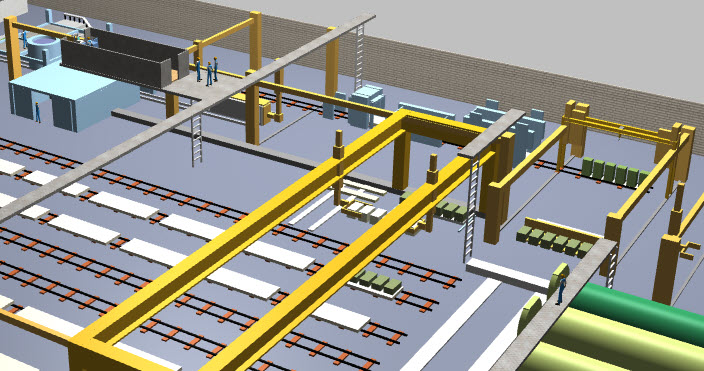 3D animation in the Autoclaved Aerated Concrete Factory model
Just add a scene for 3D animation (3D window) on the graphical diagram of your top-level (Main) agent. You can work on the animation scene using both the graphical editor and the 3D Preview view which allows you to visualize your model in 3D during design time without running the model.
AnyLogic enables users to construct 3D animations from the set of standard geometric shapes: rectangle, line, oval, polyline, image, text, group. All these shapes now support the third dimension — Z-height and appear in 2D and 3D presentation scenes, thereby, you get two representations of the process at once.
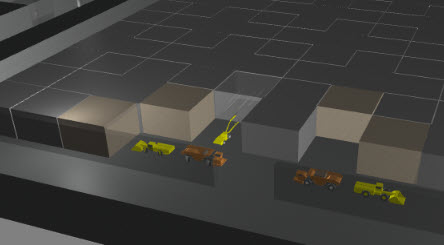 3D primitives used in the Copper Nickel Mine model animation
Standard shapes work well for simple objects like columns and boxes. For more complex objects such as railcars, forklifts, and airplanes, you would typically import external 3D models using the 3D object element. AnyLogic supports 3D models in .dae (Collada), .gltf/.glb, .fbx, and .obj file formats.
AnyLogic also includes a library of ready-to-use 3D objects in the  3D Objects palette.
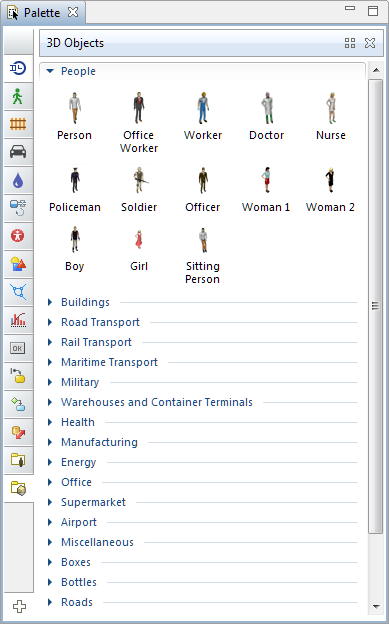 3D Objects palette
You can create an integrated workspace with controls, charts, and 2D and 3D animations displayed side by side, eliminating the need to switch between windows during model runtime.
-
How can we improve this article?
-